Safari · free
Safari content blocking and optional Advanced page cleanup are free. Rules can block matching requests and hide supported page elements.
 AdsWard
 helps block ads and known trackers in Safari, with optional cleanup for supported websites. No AdsWard account or VPN.
In development: no public download is available yet.
Setup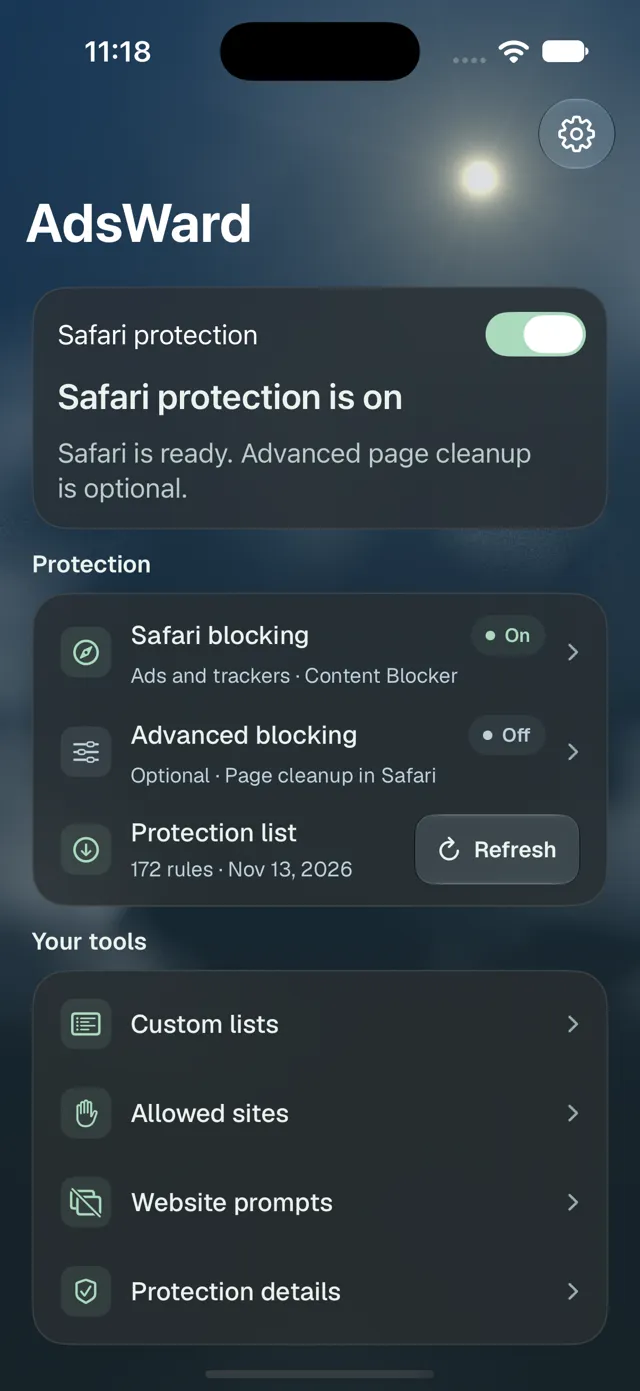
Safari content blocking and optional Advanced page cleanup are free. Rules can block matching requests and hide supported page elements.
A paid across-app option is planned, but is not available to buy or enable. Apple URL filtering covers only participating WebKit and URLSession traffic; it cannot cover every app or remove every ad or native-video ad.
Blocking depends on installed rules, Safari settings and website access. Some ads, trackers and changing sites may escape; page cleanup cannot unlock paid content. Safari does not provide a blocked-request count. Optional consent rejection acts only on supported dialogs; unknown dialogs are left alone.
Report a problem privately or contact us. Status links show observations when available; these services are not yet publicly available.